Syncing Your AI Guidelines Across Workflows
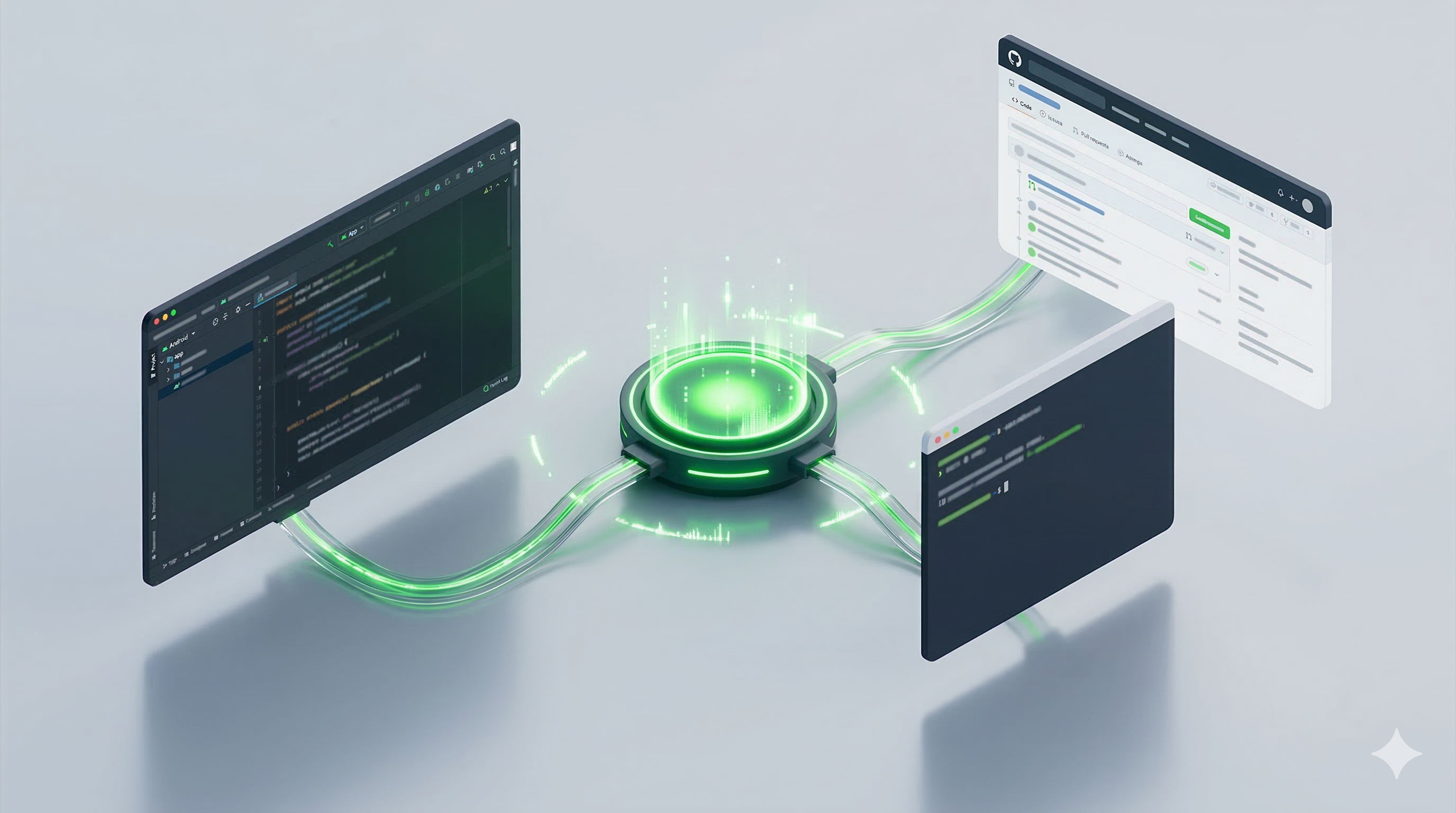
The other day, I found myself in a bit of a loop. I was explaining my preference for avoiding mock tests to Android Studio Agent Mode, then repeating the same thing to the Gemini CLI, and finally watching a GitHub bot suggest a mock-heavy test that I’d specifically ruled out in my local config.
As Android developers, we’re increasingly leaning on AI agents (whether it’s the integrated Android Studio Agent Mode, command-line tools, or CI-based review bots). But here’s the catch: context is fragmented. Your IDE might have access to your project files, but it doesn’t know about your user-level preferences that span across all your repositories. Your CLI tools might see your global config, but your GitHub bot only knows what’s been committed to the repo.
I needed a “single source of truth” for my coding principles.
The Problem: The Great Context Divide
AI context usually lives in one of two places:
- User-Level Context (
~/.gemini/AGENTS.MD): This is your “Global Brain.” It contains your personal standards that apply to every project you touch (e.g., your testing philosophy, your stance on code comments, or your “THINK A LOT” mindset). - Project-Level Context (
.gemini/AGENTS.MD): This is where you keep implementation details like which DI framework you’re using or how you handle screenshot tests.
In a world where we are often spinning up new projects or jumping between multiple repositories, duplicating your core philosophy everywhere is a maintenance nightmare. If you decide that you no longer want “breadcrumbs” in your code (those annoying // moved to X comments), you shouldn’t have to update twenty different AGENTS.MD files.
The Solution: A “Synced Bridge” via Git Hooks
The fix is a simple “synced bridge” architecture. Instead of duplicating the rules, I bring my user-level guidelines into the project automatically. This allows me to maintain my philosophy in one place while ensuring that even sandboxed or isolated tools can see it.
1. The Project-Local Proxy
In my repository, I have a file called AGENT_CODING_GUIDELINES.md. This is a project-local copy of my global rules from ~/.gemini/AGENTS.MD. Crucially, this file is tracked by Git.
2. The Automated Sync
To keep them in sync, I use a Git pre-commit hook. Every time I commit code, the hook copies my latest user-level rules into the project.
1
2
3
4
5
6
7
8
9
#!/bin/sh

# Sync global coding guidelines into the project
echo "Syncing global coding guidelines..."
cp ~/.gemini/AGENTS.MD AGENT_CODING_GUIDELINES.md

# Format and stage the changes
./gradlew spotlessApply
git add AGENT_CODING_GUIDELINES.md
This ensures that
AGENT_CODING_GUIDELINES.mdis always a perfect reflection of your core rules, making them “portable” and accessible to tools like GitHub bots that only see the repository.
Layering the Rules
By separating the “Philosophy” from the “Implementation,” I can use the project-level .gemini/AGENTS.MD as a clean entry point that merges both layers:
1
2
3
4
5
6
7
# Agents Notes

## General Guidelines
@AGENT_CODING_GUIDELINES.md

## Dependency Injection
This project uses Metro for Dependency Injection...
This creates a clean hierarchy:
- Global Philosophy (
AGENT_CODING_GUIDELINES.md): Cross-project standards like “no mocks,” “minimal comments,” or “idiomatic and simple code.” - Project Specifics (
.gemini/AGENTS.MD): Local details like dispatcher injection or Roborazzi setup.
Why This Matters for Solo Devs
This setup is particularly effective for solo projects and personal repositories. Since I’m the only one committing code, I don’t have to worry about my personal rules conflicting with a team’s style guide. Instead, I get a persistent context that evolves with me. When I return to a project after a few months, the AI already knows exactly how I like to structure my code because my latest “Global Brain” has been synced into the repo.
The Result: Seamless AI Assistance
My workflow is now truly unified. When I open a PR, the GitHub bot sees the guidelines in the repo and knows exactly how I want my tests written. When I’m in the IDE using Android Studio Agent Mode, it picks up the same context.
I no longer have to repeat myself or deal with conflicting suggestions. It is just one consistent set of rules that follows me wherever I go.
Happy agent engineering!